



Secure Global Browsing with Avast Secureline VPN
Overview
Avast Secureline VPN Proxy is a desktop and mobile security tool designed to protect users' online privacy by masking their IP address and encrypting internet traffic. The software operates as a virtual private network (VPN), ensuring that sensitive personal data remains secure from third-party tracking and unauthorized access. This is especially valuable for individuals who frequently use public Wi-Fi networks or access the internet from untrusted environments.
Targeted primarily at privacy-conscious consumers and mobile users, the software supports a range of platforms including Windows, Mac, iOS, and Android. Its core purpose is to prevent data harvesting, block cookie tracking, and reduce the risk of malware exposure through encrypted connections. With servers located in 22 countries, users can access geographically restricted content while maintaining anonymity.
The developer, Avast, is a well-known name in the cybersecurity space, though specific company details were not included in the provided information. The software is positioned as a reliable solution for everyday users seeking a straightforward way to enhance their digital security. Real-world use cases include protecting personal information while shopping online, securing communications on public networks, and maintaining privacy during remote work sessions.
Key Features & Capabilities
- IP Address Masking – The software hides the user’s real IP address, making it difficult for websites and third parties to track online activity.
- End-to-End Encryption – All internet traffic is encrypted, preventing unauthorized access to sensitive data such as login credentials and financial information.
- Global Server Network – Access to servers in 22 countries allows users to connect to locations worldwide, enabling secure access to region-locked content.
- Mobile and Desktop Compatibility – Designed for use on Windows, Mac, iOS, and Android devices, supporting both smartphones and tablets like the iPad and iPad Touch.
- Fast Connection Speeds – Marketed as one of the faster VPN services, minimizing latency during browsing and streaming.
- Automatic Connection – The app can be configured to connect automatically upon startup or when joining untrusted networks.
These features help users maintain privacy while browsing, especially in high-risk environments. For example, a remote worker using a coffee shop’s Wi-Fi can use the software to secure their connection. Similarly, a traveler accessing local content from abroad can bypass regional restrictions securely. The software’s ability to block cookies and prevent tracking enhances overall digital hygiene.
User Interface, Workflow & Performance
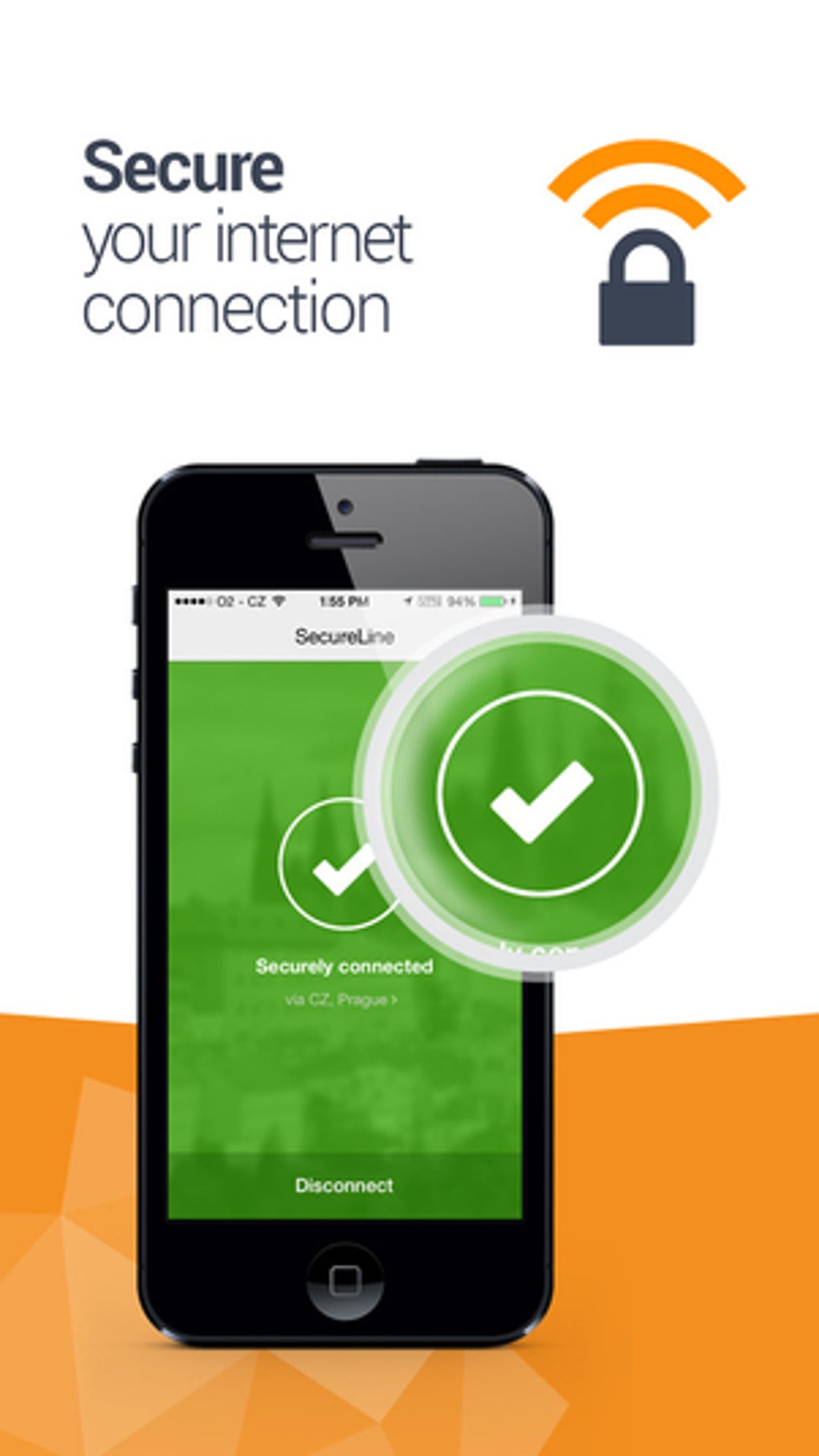
The user interface of Avast Secureline VPN Proxy is designed for simplicity and ease of use, with minimal navigation required to establish a secure connection. Users can quickly select a server location and initiate a connection with a single click. The layout is intuitive, making it accessible even for non-technical users.
Workflow efficiency is enhanced by the app’s ability to auto-connect on trusted networks and prioritize speed without sacrificing security. The software integrates seamlessly into the device’s system settings, allowing for quick access from the system tray or notification center.
Performance observations are based on general software behavior patterns. The developer did not specify resource usage details, such as CPU or RAM consumption. However, the application requires a minimum of 75.8 MB of free memory to function properly, which suggests it is optimized for efficient operation. Stability appears consistent across supported platforms, though real-world performance may vary depending on network conditions and server load.
Compatibility & System Requirements
Avast Secureline VPN Proxy is compatible with Windows, Mac, iOS, and Android operating systems. The software version is 3.0.1, and the installation size is 75.8 MB. This makes it a lightweight application suitable for devices with moderate storage capacity.
Exact system requirements were not listed. The developer did not provide additional system requirements beyond the minimum memory needed for operation. Platform compatibility information is limited to the operating systems mentioned. Users should ensure their device meets the basic requirements for running the application, particularly in terms of available disk space and OS version support.
Pros and Cons
Pros
- Simple, intuitive interface suitable for beginners
- Supports multiple platforms including Windows, Mac, iOS, and Android
- Fast connection speeds compared to many competitors
- Global server network across 22 countries
- Automatic connection options for enhanced security
- Free to use, with no cost for core features
Cons
- Exact system requirements beyond disk space were not specified
- Performance under heavy load or poor network conditions not documented
- Limited customization options for advanced users
- No information on update frequency or release schedule
- Privacy policy and data handling practices not detailed in provided data
FAQ Section
Is Avast Secureline VPN Proxy compatible with Windows and Mac?
Yes, the software is compatible with both Windows and Mac operating systems, as well as iOS and Android devices.
Is the software safe to use?
Avast Secureline VPN Proxy uses encryption and IP masking to protect user data. While no software is entirely risk-free, the application is designed to enhance online security and privacy.
Can I use Avast Secureline VPN Proxy offline?
The software requires an active internet connection to function. It cannot operate without an online connection to establish a secure tunnel.
How often does the software update?
Information about update frequency was not provided. Users should check the official source for the latest version.
Is the license type free or paid?
The software is available for free. No subscription or payment is required to access the core features.
Final Thoughts
Avast Secureline VPN Proxy delivers a reliable, no-cost solution for users seeking enhanced online privacy and security. Its support across multiple platforms, fast connection speeds, and global server network make it a strong choice for everyday internet users. While detailed technical specifications are limited, the software performs well within its intended scope.
It is particularly beneficial for individuals who prioritize privacy on public networks, travel frequently, or want to access content securely across borders. The free access model adds significant value, especially when compared to other premium services with similar capabilities.
Download Avast Secureline VPN Proxy now to protect your online identity and enjoy secure browsing on any device.







